Understand financial reports, in plain language
Upload quarterly or annual report PDFs and get clear educational summaries, extracted metrics, and period-over-period comparisons — so you can learn how a business reports its numbers.
Got a report handy? Try an educational summary, no signup needed. Then create your workspace when you're ready.
No investment advice · no buy/sell signals · workspace access controls; see our privacy policy for provider processing.
Try it on your own report
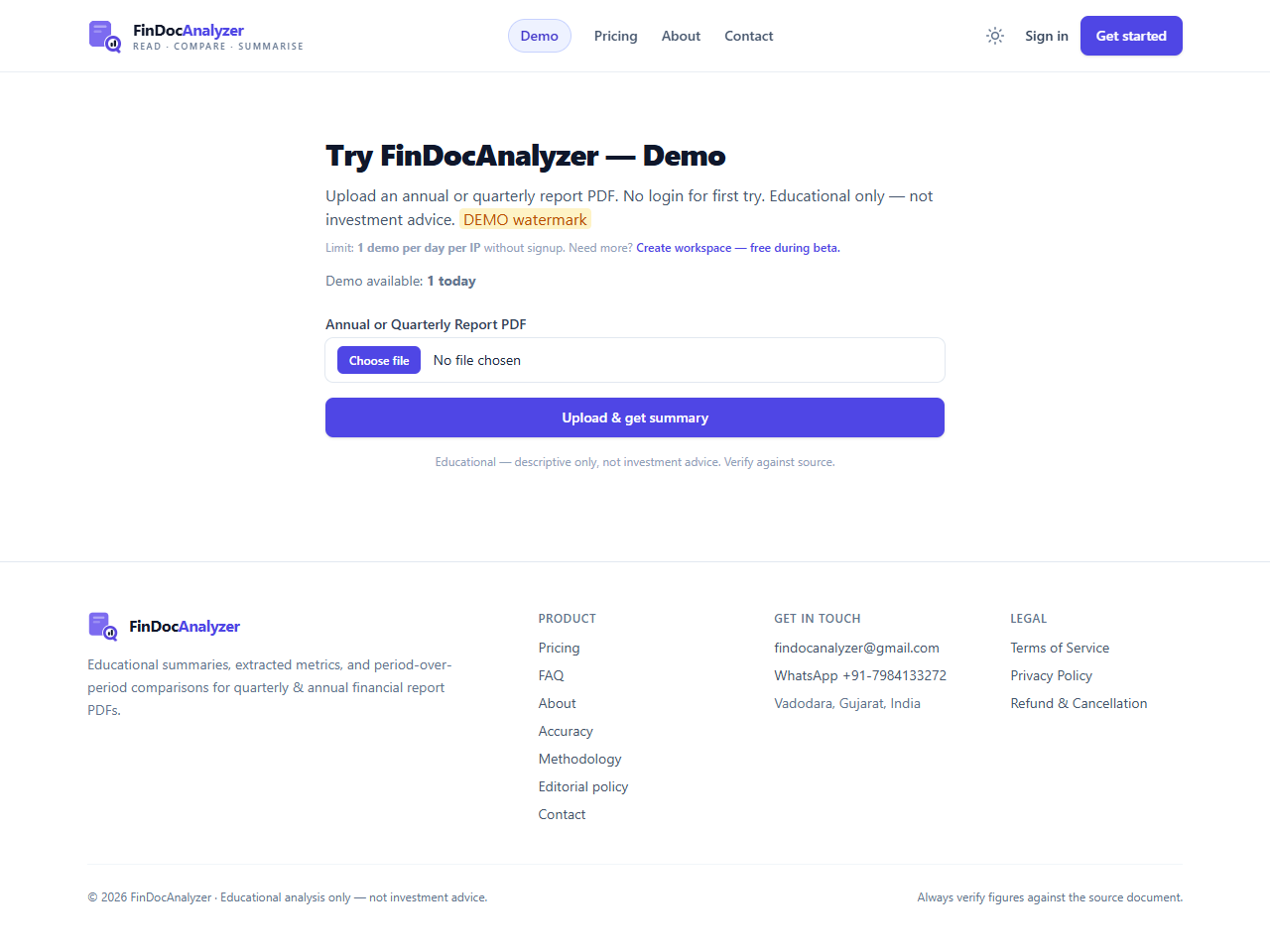
Upload a text-selectable quarterly or annual PDF for a temporary educational summary. One free analysis per day, no signup. Create a workspace for full report analysis and source-review tools.
1. Drop PDF
Annual or quarterly, up to 30 MB
2. Read summary
Plain language + key figures
3. Go deeper
Free workspace for full analysis
1 free analysis per day · No credit card · No spam
Everything to make a filing readable
Built for learning and clarity — never recommendations.
Upload PDFs
Drop in quarterly or annual reports. Duplicate detection and versioning built in.
Educational summaries
Plain-language overviews of what the filing says, with a glossary.
Metric extraction
Available figures with reporting-period, unit and source context; checks and limitations remain visible.
QoQ & YoY comparisons
See how a company reports across periods, described not prescribed.
India-native numbers & multilingual summaries
Crore and lakh grouping with INR-first formatting. Summary output in English, Hindi, Hinglish and Spanish.
Source-cited figures
Available evidence identifies PDF pages or structured filing sources; missing or disputed evidence is disclosed.
Accuracy and limitations
See our measurement scope and limitations. Overall report accuracy has not yet been established.
Public creator receipts
Share eligible analysis with its available source evidence.
Scripts & prompts for social — ready in one click
Paid Pro and Team creator tools turn reviewed report summaries into social prompts, hooks and scripts. Choose text, image or video prompts, review the output, and publish manually. Not included in the free trial; AI usage limits apply.
Review figures against the source before publishing. Read about accuracy and limitations. Automated video production is not included.
Share source-backed report images
Copy eligible report text and export PDFs during an active free trial. All image exports, including key figures, summaries and carousels, require Pro or Team. Paid workspaces can also add channel co-branding. Use saved analysis, review the source, then publish manually.
Two ways to analyze, more ways to share
Manual PDF analysis
Upload a financial PDF during an active trial or paid plan. Confirm the company and period, then inspect the summary, metrics and available source evidence. Matching XBRL may support eligible NSE figures; PDF analysis remains available without a safe match.
Paid NSE result automation
With active Pro or Team access, enable monitoring and select NSE-listed companies. Scheduled collection looks for eligible new results and queues analysis. A previous report is not required. Source access, processing capacity and separate monitoring/report allowances apply; delivery time is not guaranteed.
Reports, images and creator tools
Active trials include eligible text copying and PDF, CSV and JSON exports. Pro and Team add summary/key-figure PNGs, carousels, channel co-branding and creator scripts/prompts. Images render saved analysis; review source figures before sharing.
How it works
Upload or monitor
Upload a financial PDF, or use paid monitoring for selected NSE companies.
We process it
Text is extracted, metrics parsed, and an educational summary generated.
Explore & compare
Read the summary, review metrics, and compare periods — all shared with your team.
Explore the report workflow
Start with a financial PDF, inspect extracted figures and check the original source before using a summary. Read our methodology and corrections policy.
Last updated By FinDocAnalyzer
Start reading filings with clarity
Create your workspace, review a report and choose the plan that fits your analysis and team.